

Most older adults now have large digital lives, often with well over 100 online accounts that include email, banking, photos, and social media. Very few platforms give clear, simple instructions for what happens to those accounts after death, which leaves families locked out of important memories and documents.
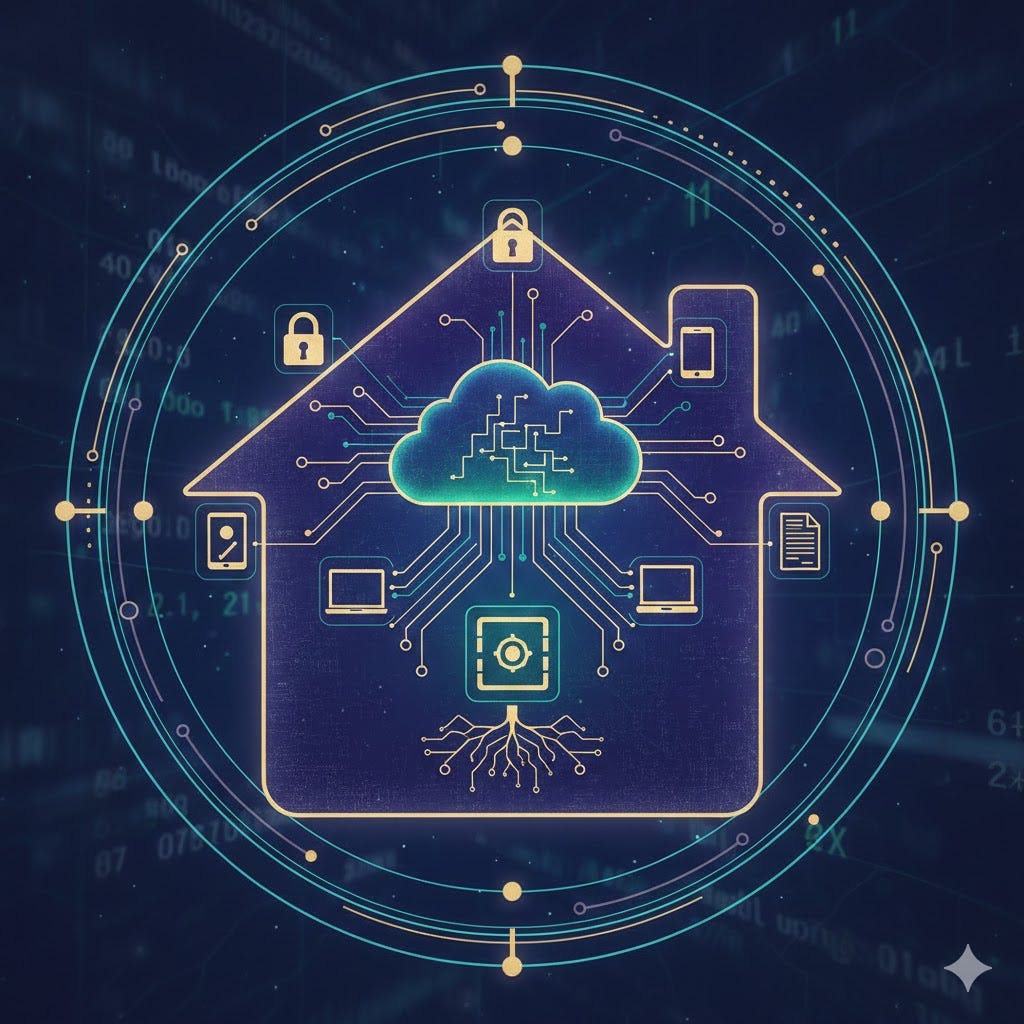
Why this problem exists
Over a lifetime, people collect dozens of logins for shopping, travel, medical portals, cloud storage, and financial services, and studies suggest many individuals manage scores of passwords at any given time. Yet most estate plans still focus on homes, investments, and personal belongings, while overlooking photos in the cloud, online statements, and subscriptions tied to those accounts.
Only a minority of companies publish clear, user-friendly procedures for handling accounts when the owner dies, which means survivors often face complicated requests for legal documents or find that data is deleted after inactivity. For seniors, this gap creates a real risk that treasured photos, messages, and records disappear or become inaccessible just when families need them most.
Join TheSeniorTechie and help make technology accessible for every senior. Paid subscribers get full access to Premium Guides plus LIFETIME access to free tech support from our partner Tech Maid - while supporting our mission to reach more seniors who need it.
What is at stake
Digital information now carries much of the emotional weight that photo albums and paper files once did, especially for family histories and multigenerational memories. Travel photos, grandchild videos, and important correspondence are frequently stored in services such as Google Photos, iCloud, and email archives rather than in printed form.
There is also a practical side. Utility bills, tax records, insurance documents, and banking information are commonly delivered electronically, so access to email and cloud storage can be crucial for settling an estate efficiently. If no one can log in, families may have to work through time consuming legal routes, sometimes paying lawyers or going to court just to obtain data the person assumed would be easy to share.
Using Google’s Inactive Account Manager
Google offers a tool called Inactive Account Manager that lets you decide what should happen if you stop using your account for a chosen period of time, such as three, six, or twelve months. You can name trusted contacts, specify what data they may access, and choose whether your account should be deleted after that handover.
The process typically involves signing into your Google account, opening the Inactive Account Manager page, setting a timeout period, adding one or more trusted contacts, and selecting which services (for example Gmail, Drive, or Photos) those people may download. Google then sends reminders before the account is treated as inactive, so there is a chance to adjust the plan if your situation changes.
Apple’s Legacy Contact feature
Apple takes a similar but slightly different approach through its Legacy Contact feature on iCloud accounts. You can designate one or more trusted people who will be able to access your data after your death, and Apple issues an access key that those contacts must keep safe.
When the time comes, the legacy contact provides both the access key and a copy of the death certificate, and Apple then creates a special account for viewing and downloading eligible data such as photos, notes, and files stored in iCloud. This allows families to preserve memories and documents while still respecting privacy controls that prevent casual access to the full account.
Why a password manager helps
Password managers have evolved into central vaults that store logins, secure notes, and sometimes important files in encrypted form, which makes them powerful tools for digital estate planning. Many modern services include “emergency access” or “digital inheritance” options, letting you authorize one or more trusted people to gain access if you become incapacitated or die.
Typically, the designated person requests access, the system waits for a preset delay you chose, and if there is no objection, the vault is opened for that individual. This can solve the otherwise frustrating problem of two-factor authentication codes and scattered logins, since your executor can sign in once and retrieve what is needed instead of guessing passwords across dozens of sites.
Naming a digital executor
Estate planning professionals increasingly recommend appointing a “digital executor” or including digital asset instructions in a will or companion document. This role focuses on managing online accounts, deciding which should be closed, which should be preserved, and who should receive copies of specific digital assets such as photos or business records.
Because wills often become public records, experts advise against listing passwords directly in the will and instead suggest referencing a password manager or secure location where credentials are stored. The legal language can vary by jurisdiction, so working with an attorney familiar with digital estate planning helps ensure that the instructions are enforceable and consistent with local law.
Protecting memories for family
For many seniors, the central motivation is not technology for its own sake but the desire to preserve stories, images, and documents for children and grandchildren. Surveys and estate planning commentary indicate that a significant portion of people want social media and photo collections handled thoughtfully rather than simply erased. By combining legacy contacts, a password manager, and a named digital executor, you give your family a clear, respectful path to those materials.
This kind of plan also reduces the administrative burden during a difficult time, since relatives are not forced to fight with support departments or lose access to key information. In practical terms, spending an afternoon setting up these tools can prevent years of frustration and ensures that the digital parts of your life are preserved with the same care as physical keepsakes.


It’s actually more than mail. Baby boomers are the first generation to have to leave a digital legacy. I wrote about it a while back: How safe are your Digital Assets? https://robyneveringham.substack.com/p/digital-legacy